
How do I access Red Hen Remote from my iPad?
|
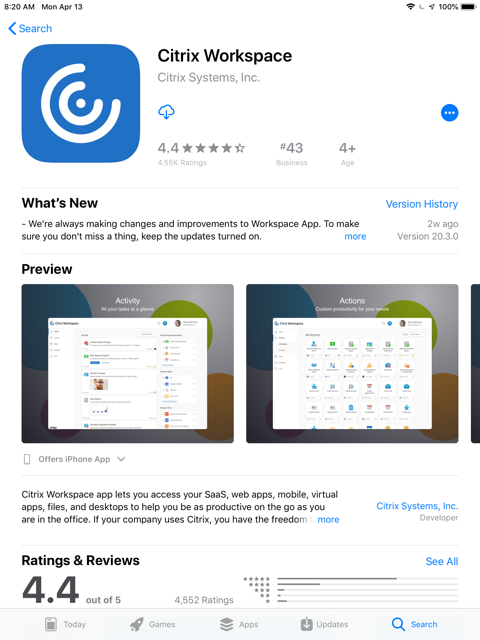
Install the free Citrix Workspace app via the App Store
|
|
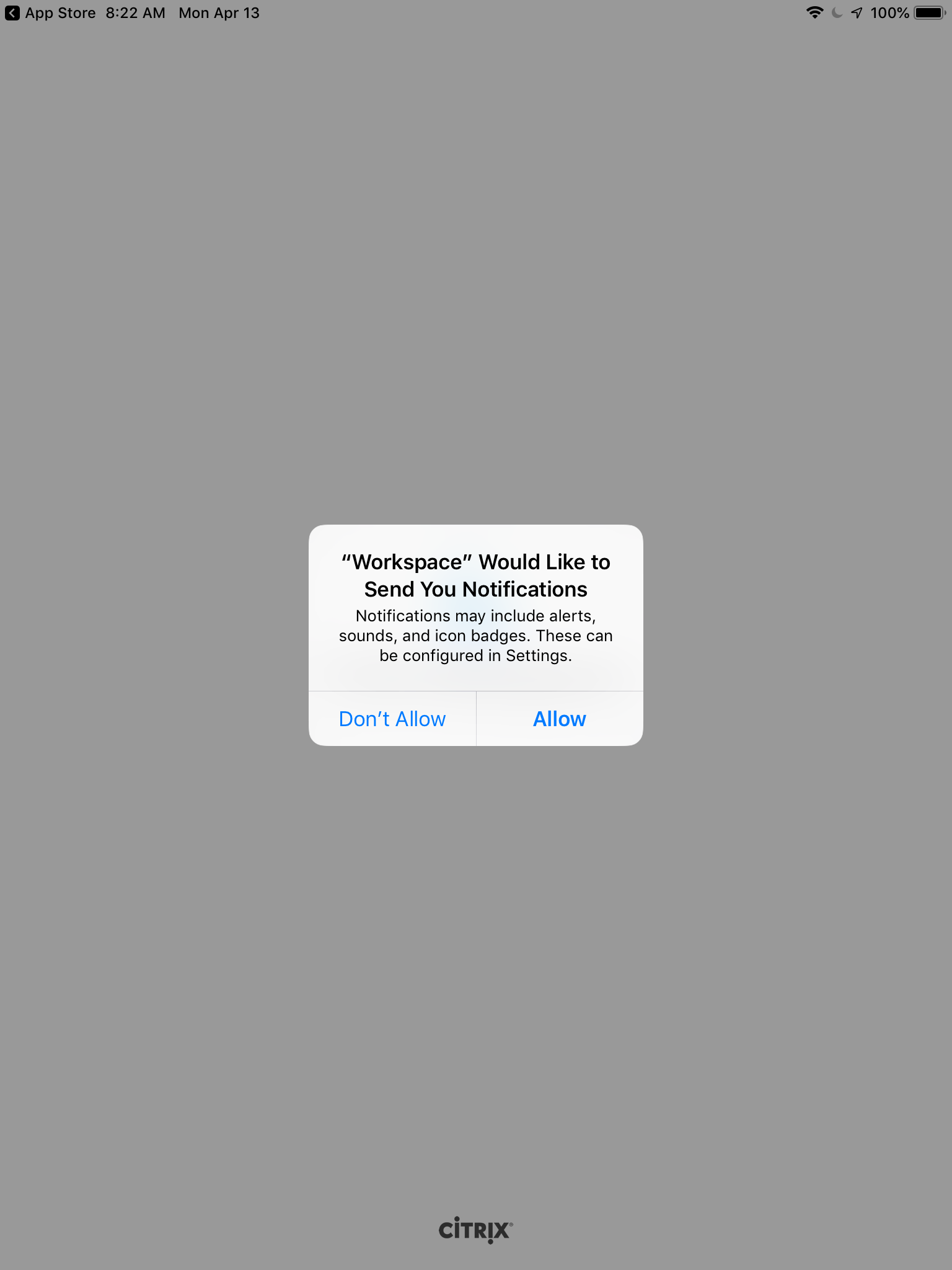
Open Citrix Workspace and Allow or Don't Allow notifications. |
|
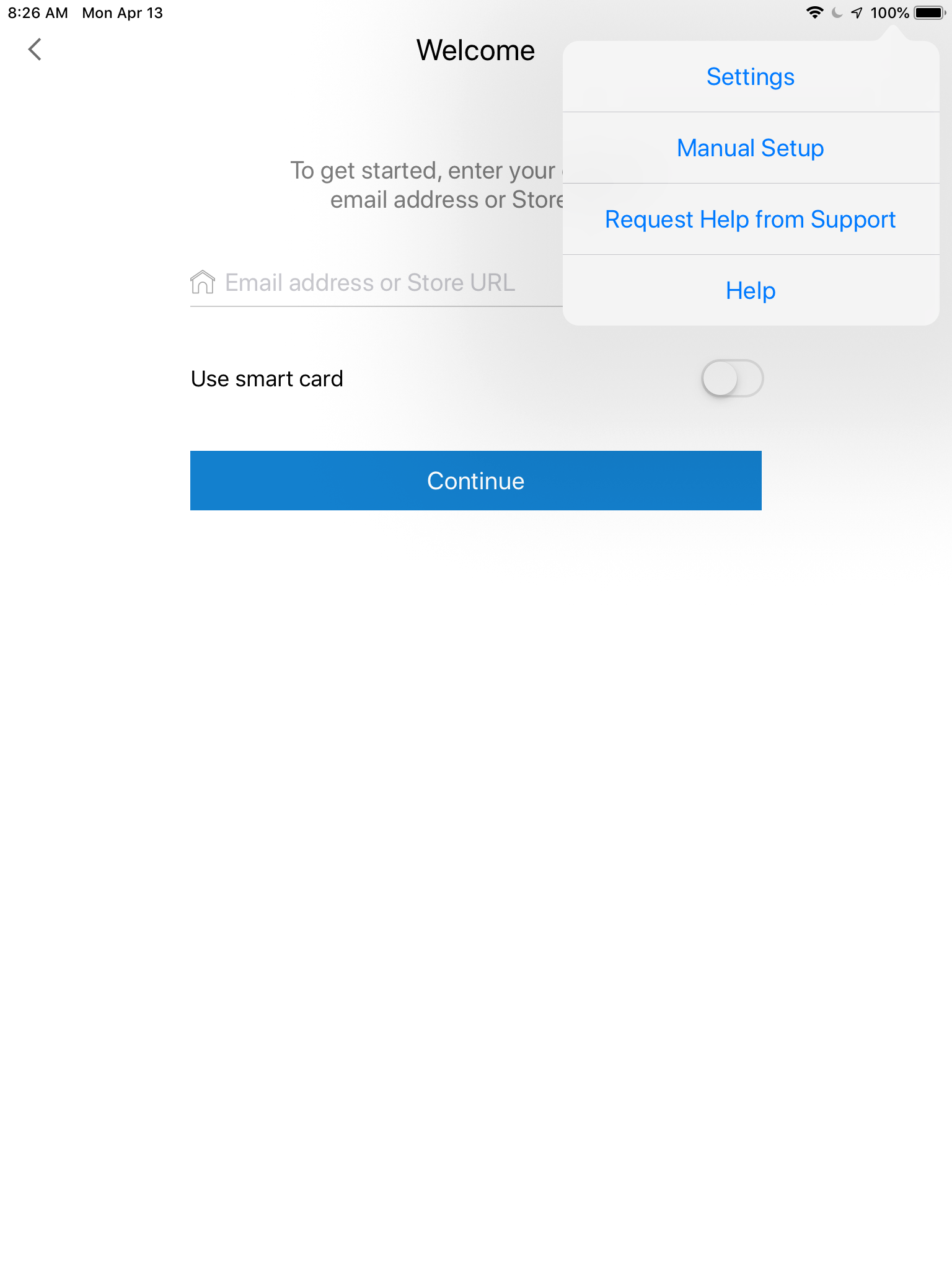
Select the Manual Setup from the ... menu. |
|
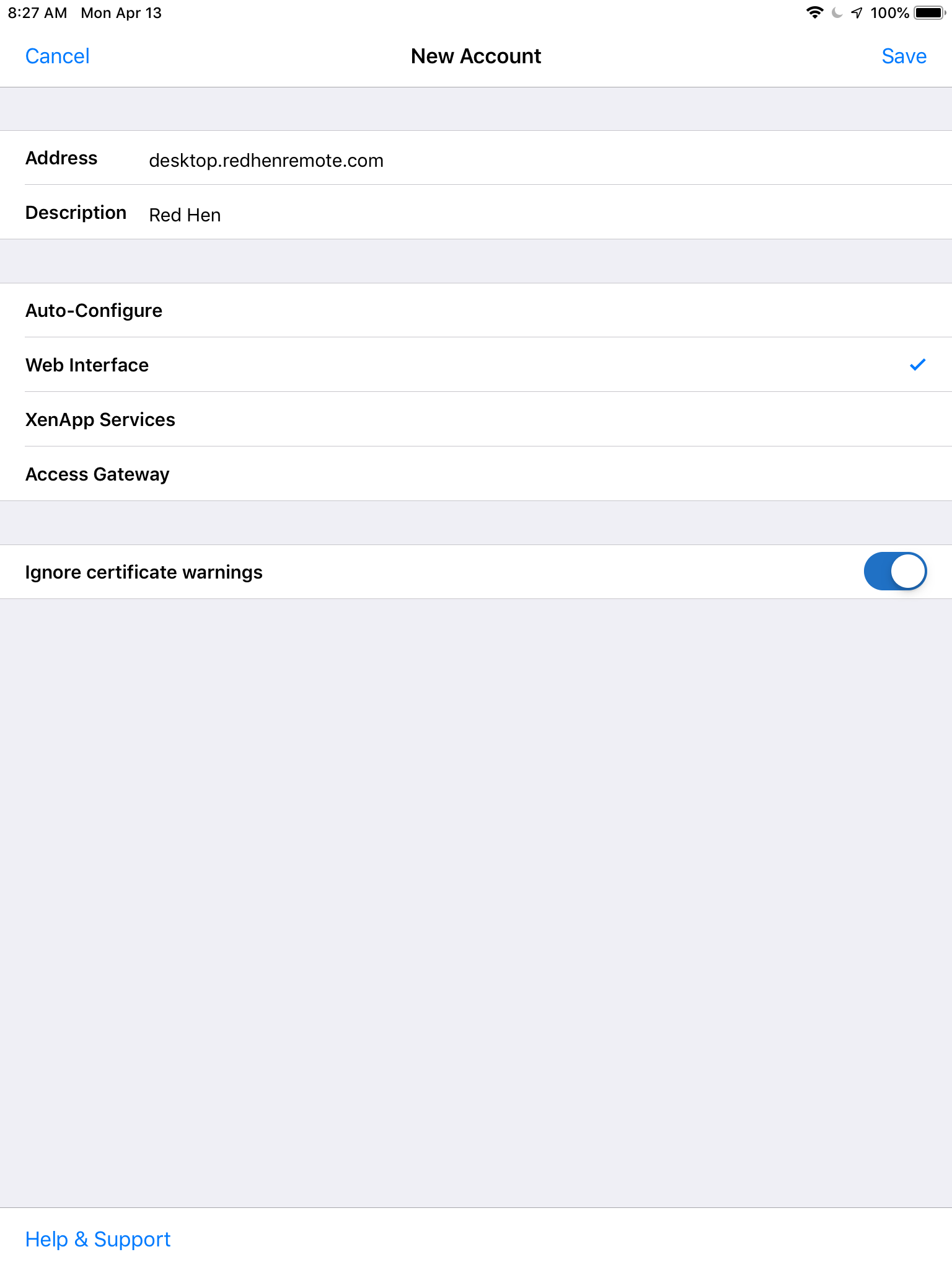
Enter desktop.redhenremote.com in the address field and check Web Interface. Click Save. |
|
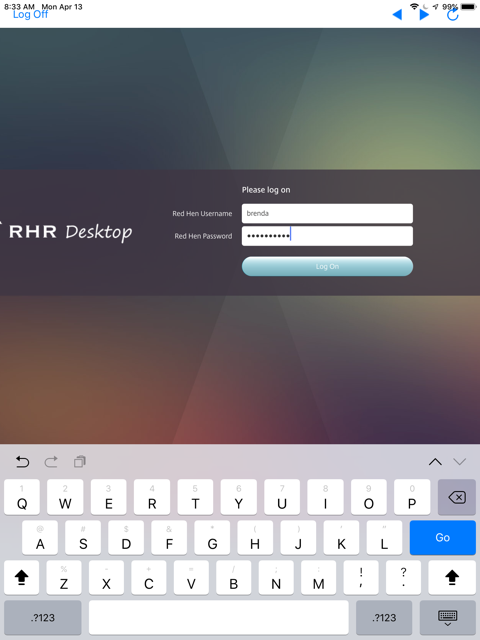
Type your Red Hen username and password and tap Log On.
|
|
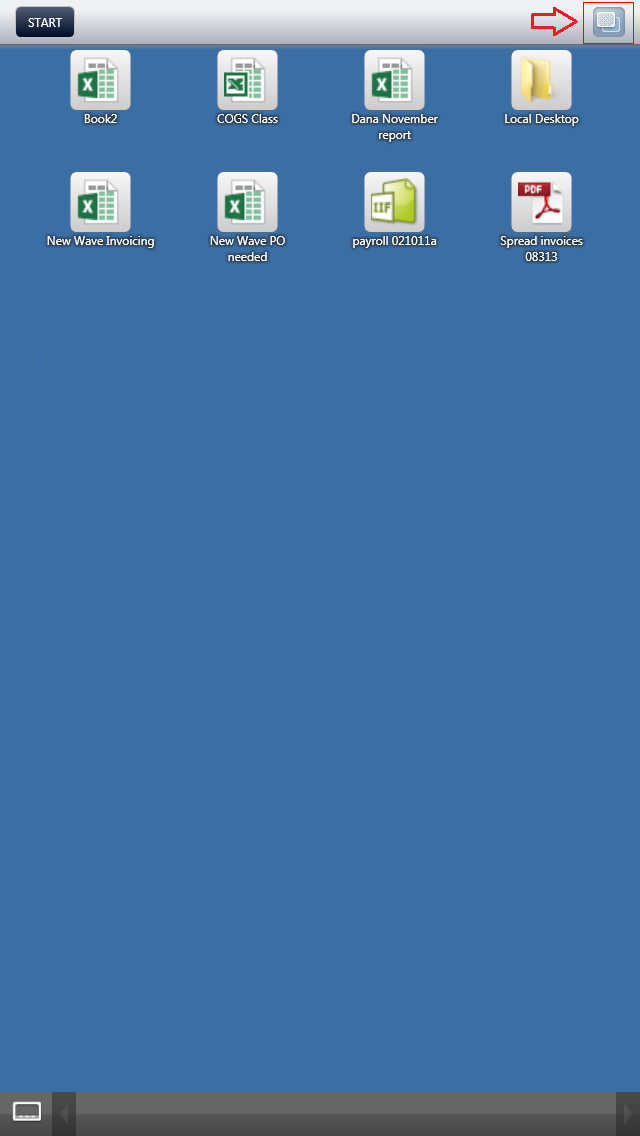
Your Red Hen Desktop should will launch. You must click the desktop viewer button to switch to the Desktop view. Otherwise, you won't see the Taskbar and Start Menu you require.
|
Comments
0 comments
Article is closed for comments.